

 United States (English)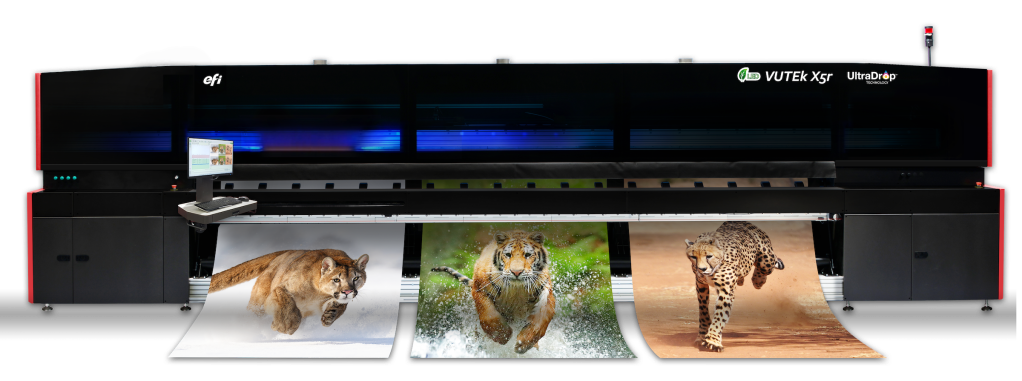
Roll-to-roll LED printer
520 cm
Max. print width
751 m²/hr
Max. productivity
up to 1200 dpi
True resolution
CMYK + optional white and clear
Colours
Engineered for high-volume production.
Built for your success.
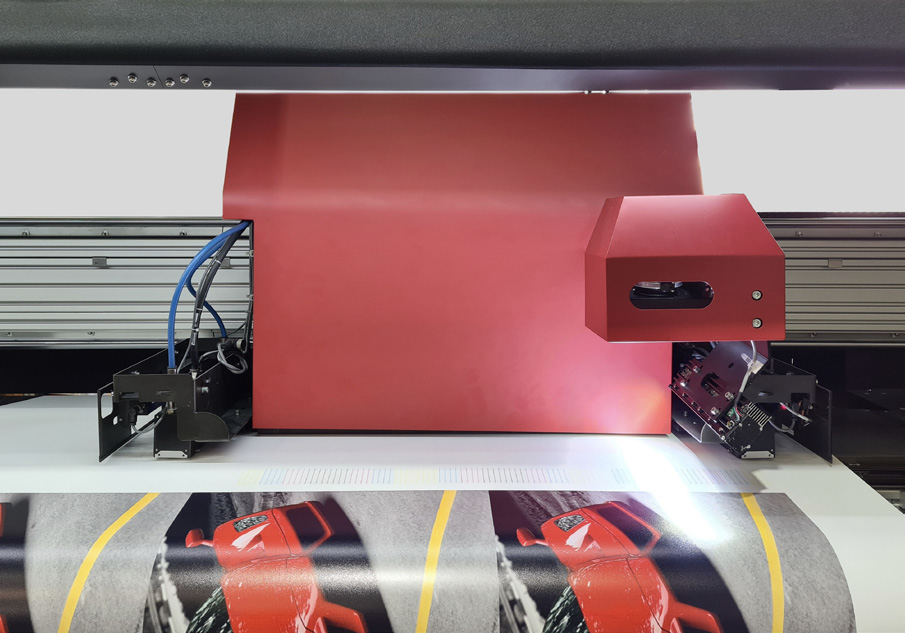
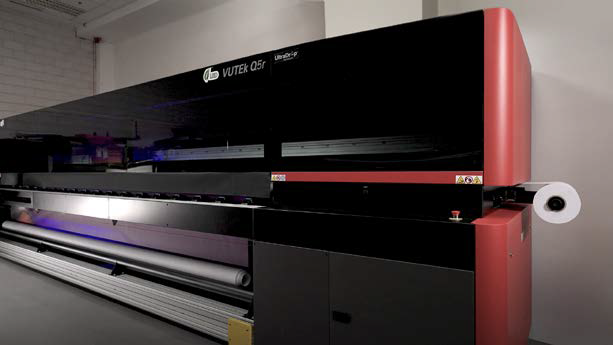
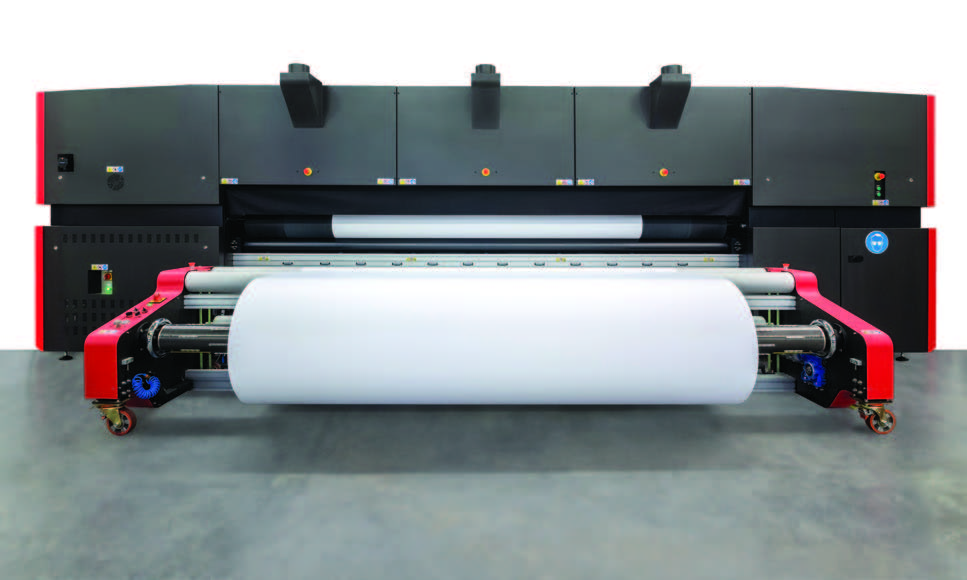
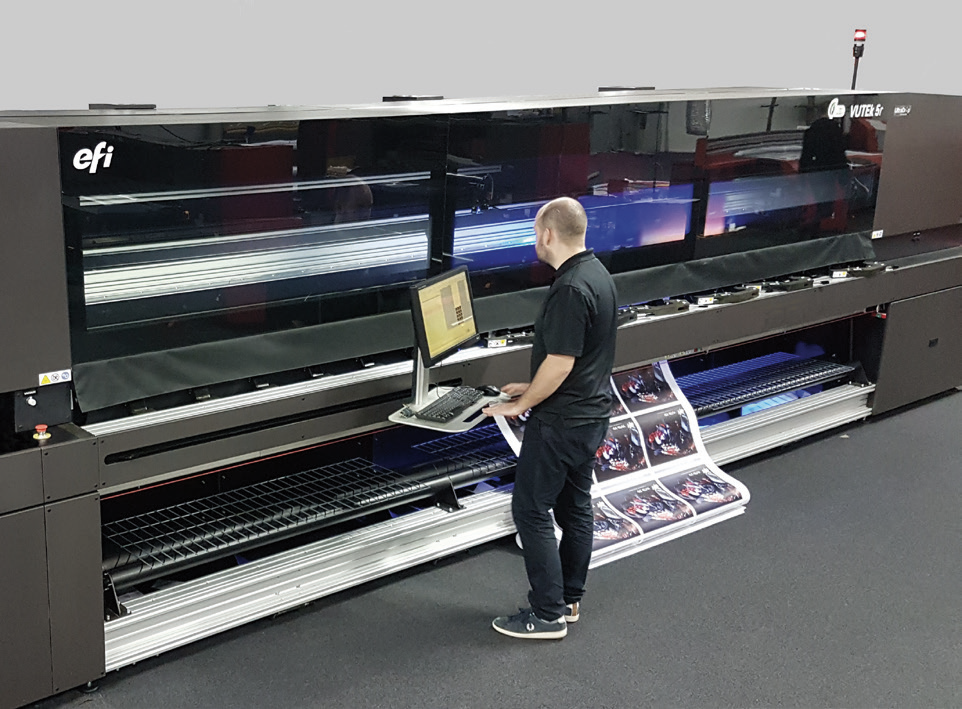
The EFI™ VUTEk® X5r roll-to-roll LED printer is brilliantly engineered for high-volume production of indoor and outdoor sign and display applications. Carefully integrated automation, software, and hardware work together to support full-shift, nearly independent printing, deliver a complete print-to-finished graphic workflow system, and take image quality at production-level speeds to a new level.
Book a Demo

Offer customers more high-value applications
Day/Night backlit graphics
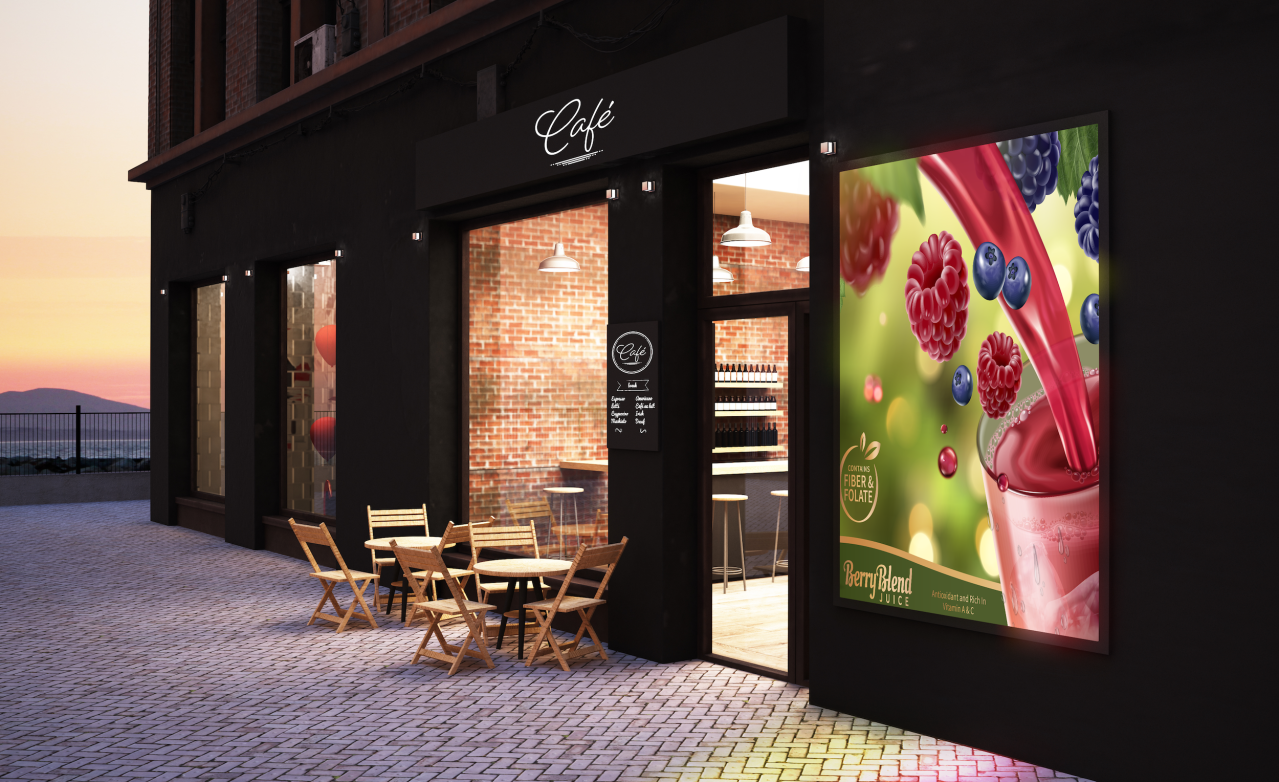
With EFI’s industry-leading white ink and multi-layer printing, you can produce premium-margin backlit applications that will boost your bottom line.

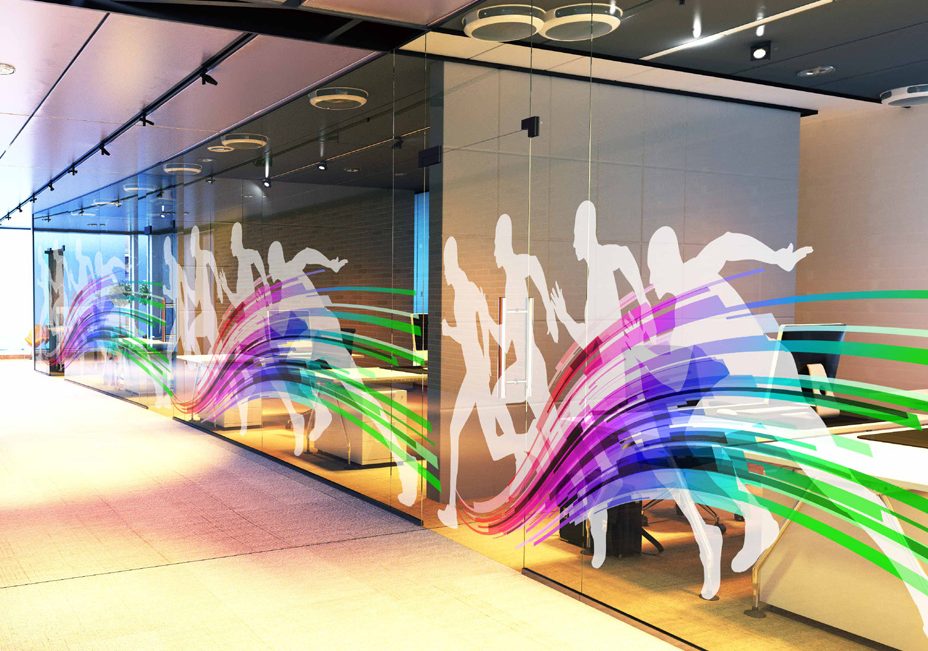
Window graphics
Use window film with an adhesive backing to create full-colour graphics applied to the inside or outside of windows.
Floor graphics
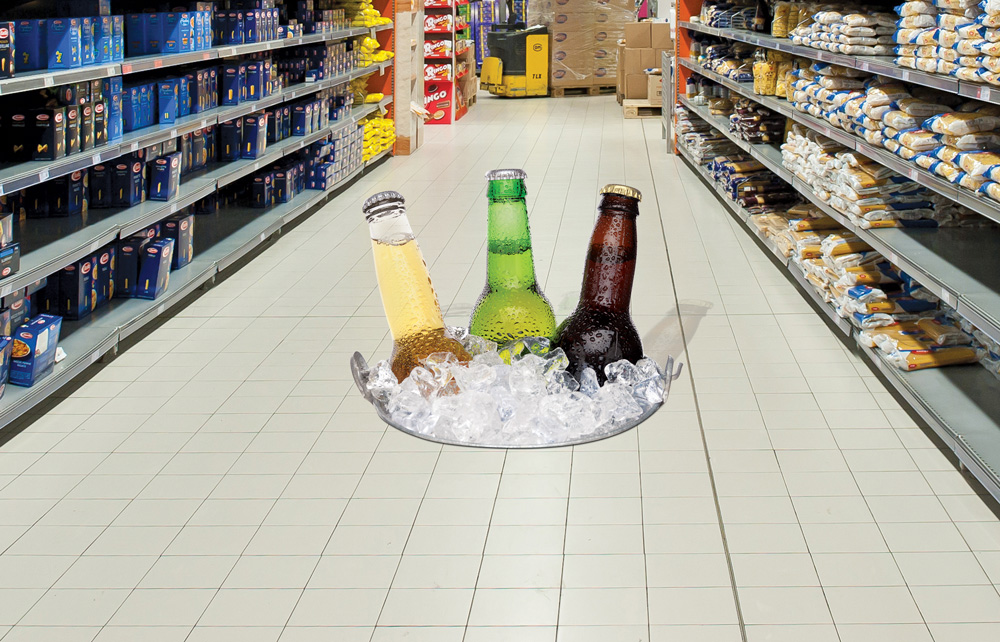
Create vinyl floor graphics with photographic images or for retail environments to help promote brands, products, and sales promotions, or to provide directional instructions.
Indoor hanging banners
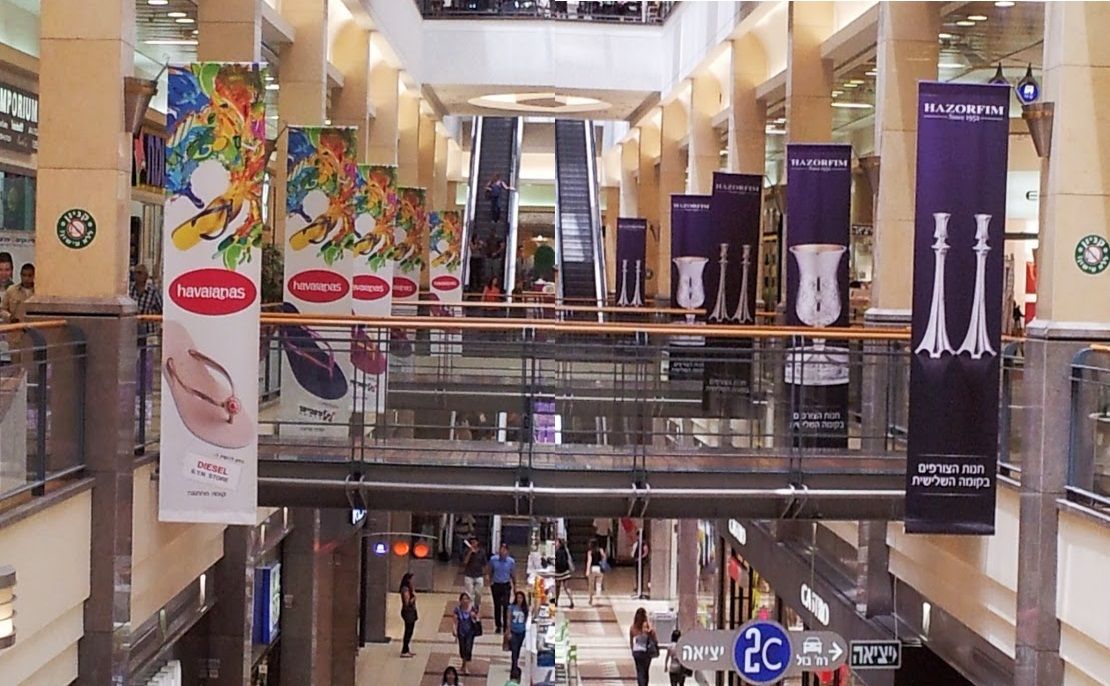
Produce stunning double-sided blockout banners to promote brands, store locations, sales, and more.
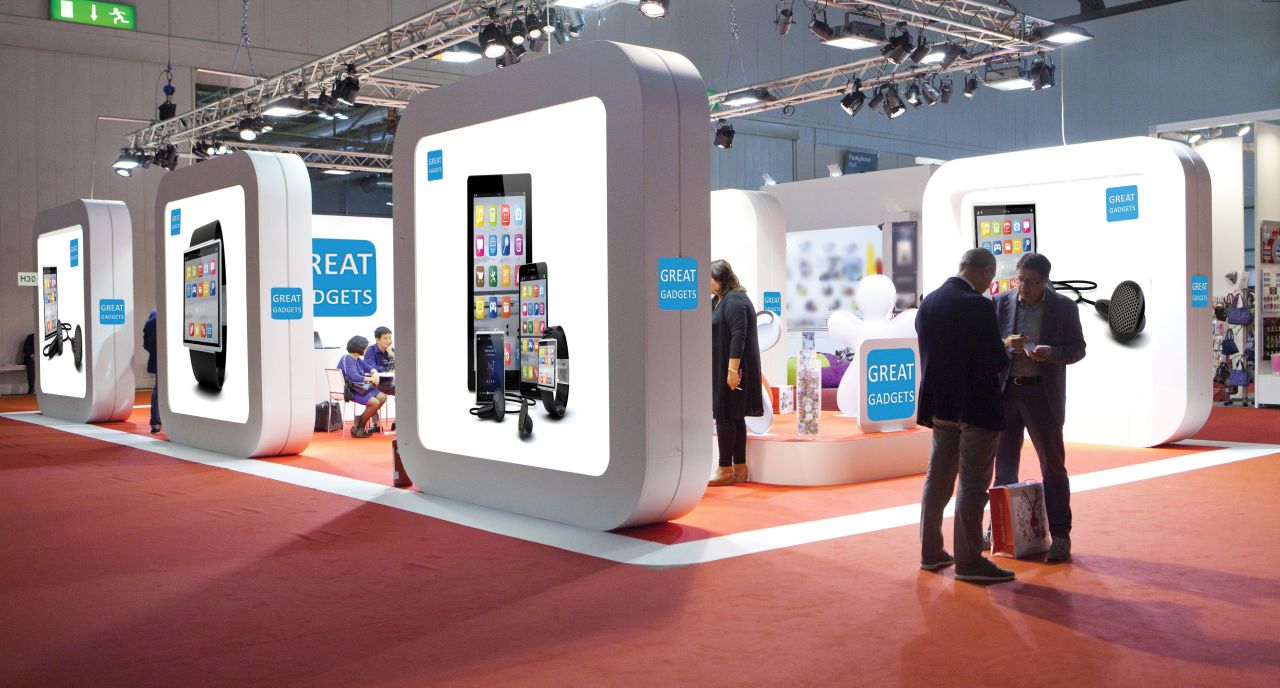
Tradeshow and exhibition graphics
Create backlit graphics, indoor hanging banners, and booth backdrops on vinyl material, polypropylene, or soft banner material, for stunning graphics that pop.

Billboards
Produce cost-effective out-of-home applications, such as billboards and posters, with EFI’s superwide roll-to-roll printers and optional Power Tools.

Building wraps
Building wraps can be used to cover up renovations and construction sites or as larger-than-life ads that can be seen far away, promoting a company or upcoming event.
Highlights

Production roll-to-roll printing
Quick and easy media loading to handle a wide variety of flexible substrates. Roll-to-roll, free-fall, and multi-roll (3 rolls of 1.6 m).

High-quality imaging
Next-generation 5 pL printheads and up to 1200 dpi true resolution.

Industry-leading LED technology
Extend your range of supported substrates, increase uptime, reduce operating costs, and move towards more sustainable production with low VOCs, lower energy consumption, and less waste and consumables.

Inline finishing workflow
EFI’s unique roll-to-roll workflow automates the complete printing and finishing process on the fly, in a single system.

Minimal operator intervention
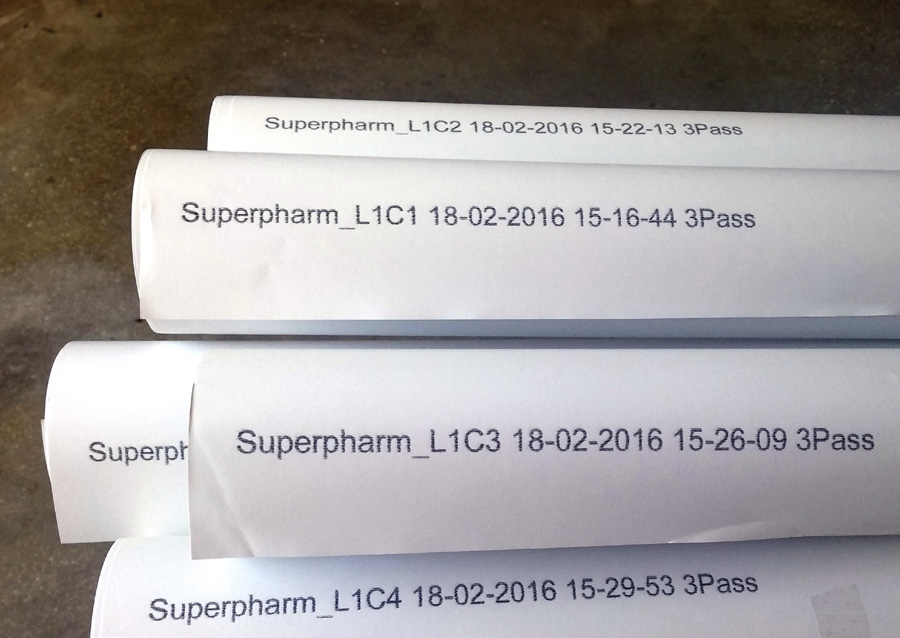
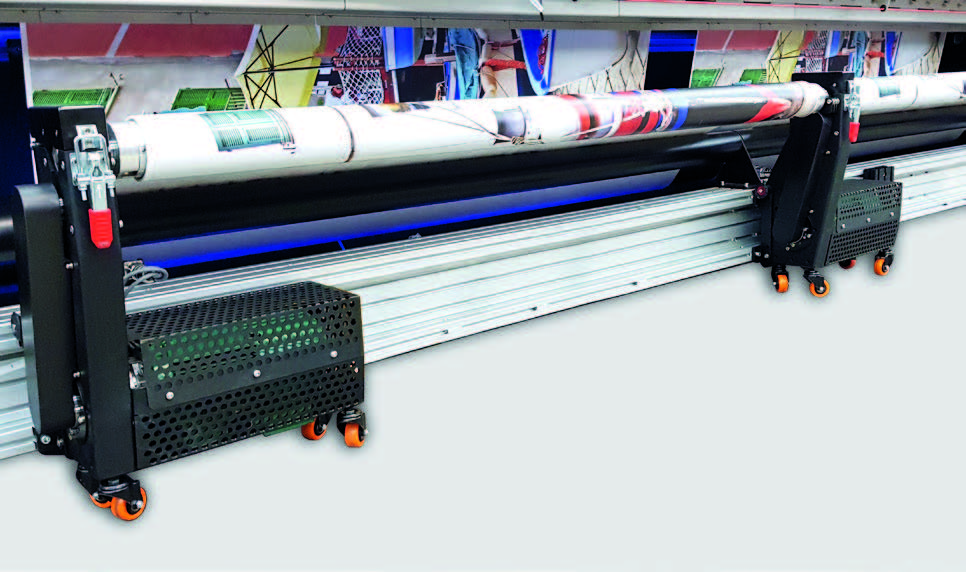
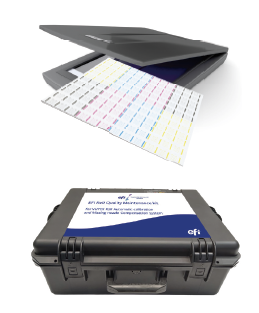
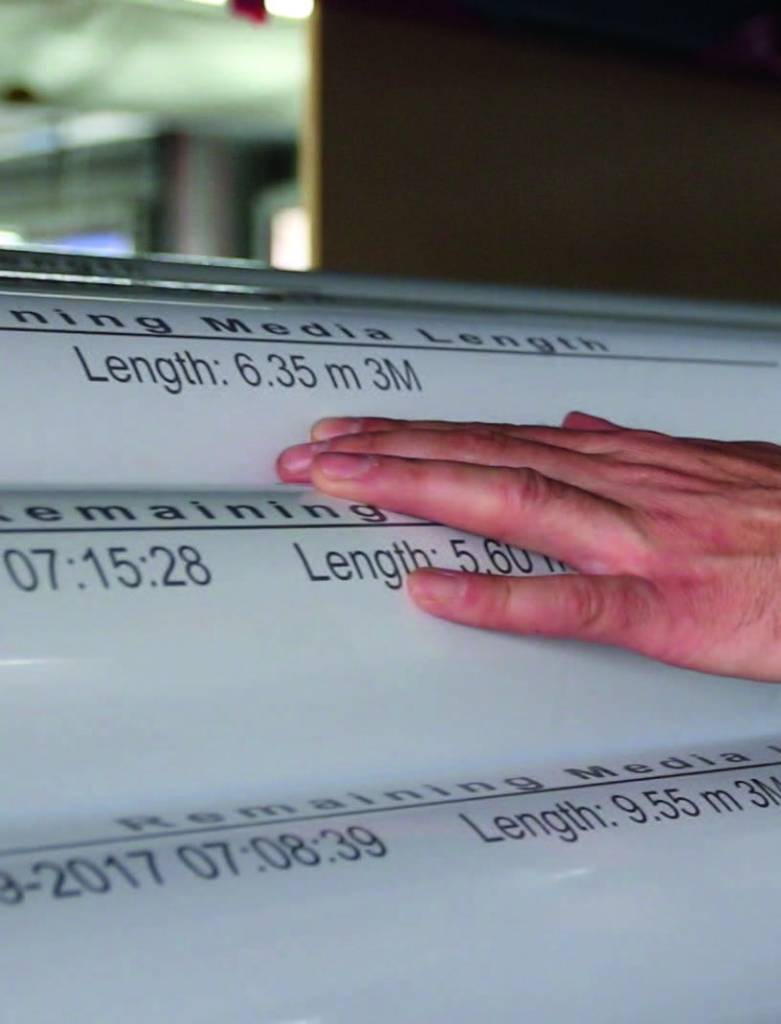
Full-shift, nearly independent operation is supported with in-line and offline verification of media roll length and ink tank levels, Wrinkle Analyser, and mobile operator alerts; Nozzle Compensation to monitor nozzle health, ensuring consistent print quality; and large and heavy roll media handling solutions for continuous printing.

Auto mesh printing
Optional automatic, full-shift, non-stop continuous mesh printing reduces mist and overspray and the need for operator intervention.

White ink and multilayer printing
Superb white ink printing performance in single- and multi-layer print modes.

EFI UltraClear Coat
EFI UltraClear Coat can be used for decorative applications and as a final protective coating, with up to a five-year limited warranty. It prints inline, simultaneously with the image, saving time compared to using a separate offline coating system, and in gloss or matte finishes.

White and clear ink together
White and UltraClear Coat inks print together for more design and application possibilities.

Ink for a super range of applications
EFI – 3M™ SuperRange UV LED Ink offers a hard surface cure, a wide colour gamut, excellent adhesion properties, and the industry-leading 3M™ MCS™ Warranty when printing with co-branded EFI and 3M UV LED inks on 3M flexible media.

Fiery Driven
Fiery® proServer Premium digital front end with colour management workflow and RIP optimised for EFI VUTEk printers. Learn more about the Fiery proServer >
Power Tools to boost your capabilities and profits
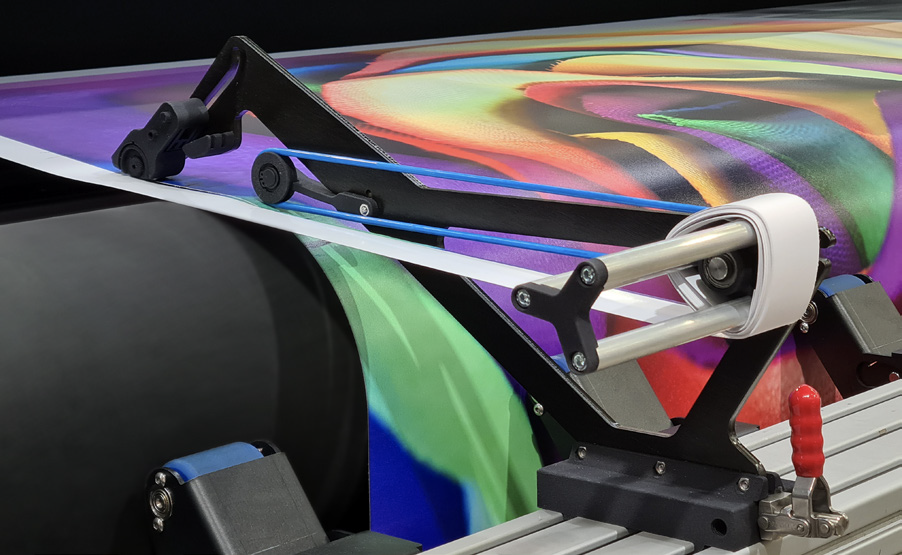
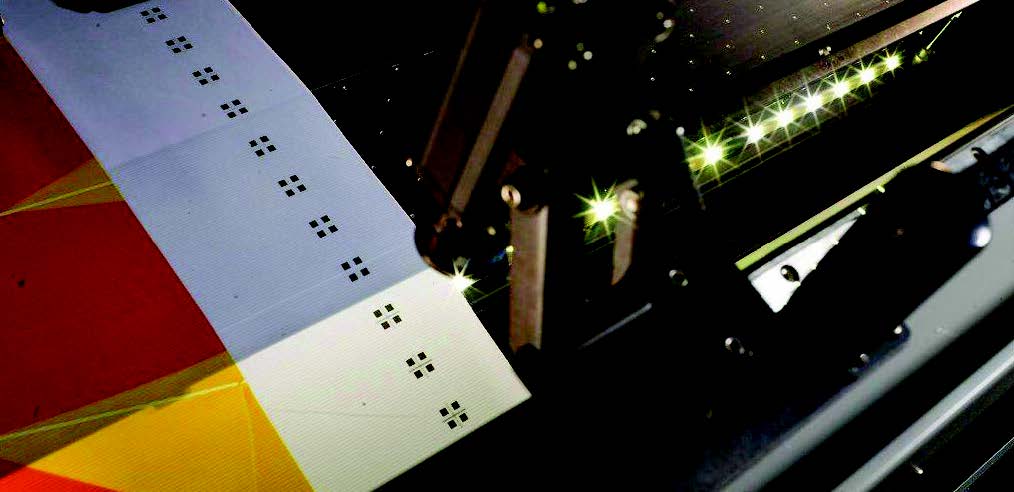
Auto Y-slitter – For automatically trimming off margins or slitting media into multiple jobs, minimising media waste and increasing print area.
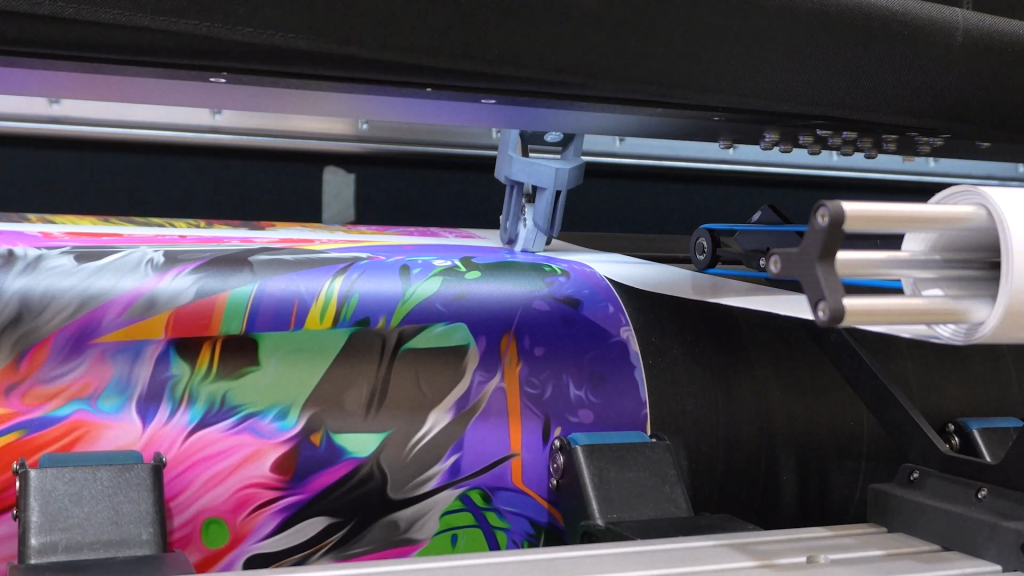
- Trim-as-you-print
- Automatic operation and adjustment of the slitters’ position along the printer table, according to image edge
- Controlled via the front-end software
- Selection of with or without bleed
- Blades are distanced and retracted when not in use for maximum user safety
- Waste Collectors roll up trimmed margins, increasing overall productivity and eliminating the potential mess
- Supports all print modes and most common roll printing media types
- Four units for 3-metre printers; six units for 5-metre printers


Resources

Revolutionizing Grand-format Graphics Printing with the EFI VUTEk X5r
The arrival of the EFI VUTEk X5r roll-to-roll LED printer at BS2i delivered huge productivity gains and stabilised production, boosting client confidence in handling urgent projects.
Transforming Print Production with the EFI VUTEk X5r Roll-to-roll Printer
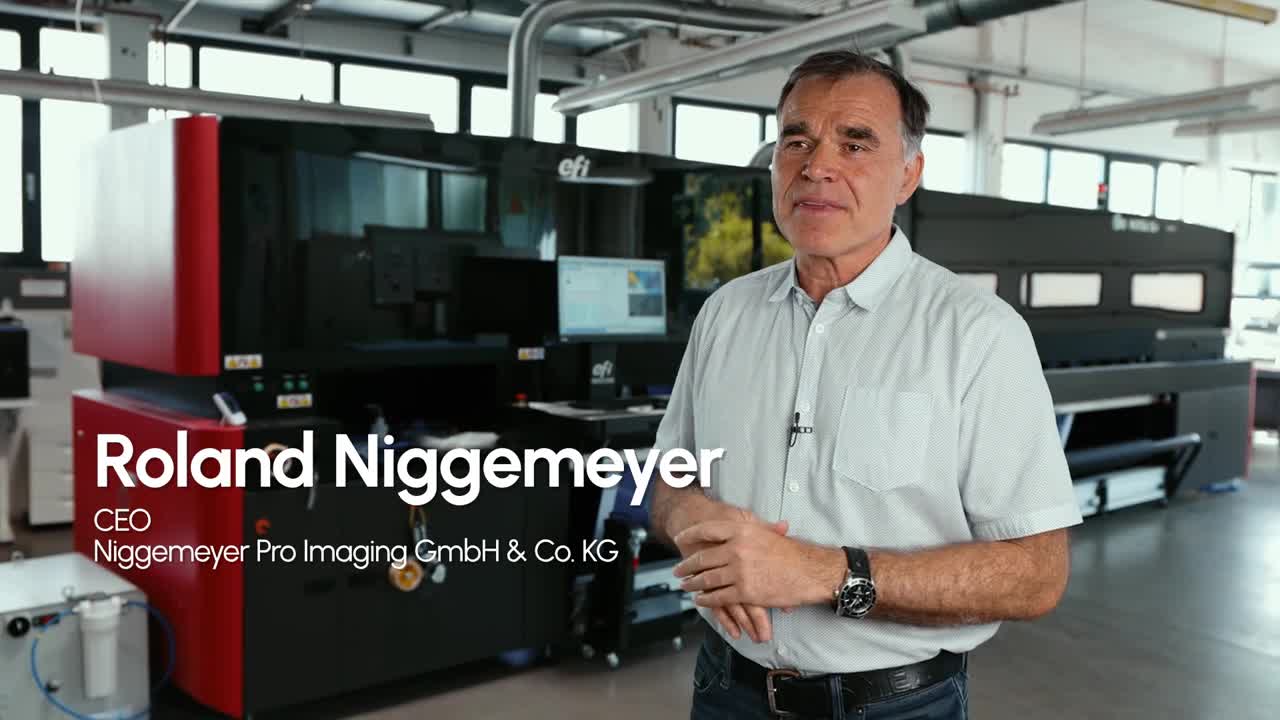
Watch how the EFI™ VUTEk® X5r roll-to-roll LED printer transformed high-volume print production at Niggemeyer Pro Imaging with exceptional image quality, powerful automation, and an integrated print-to-finished-graphic workflow. See how its advanced capabilities are helping the business streamline production, minimise operator intervention, expand application opportunities, and confidently take on more work.
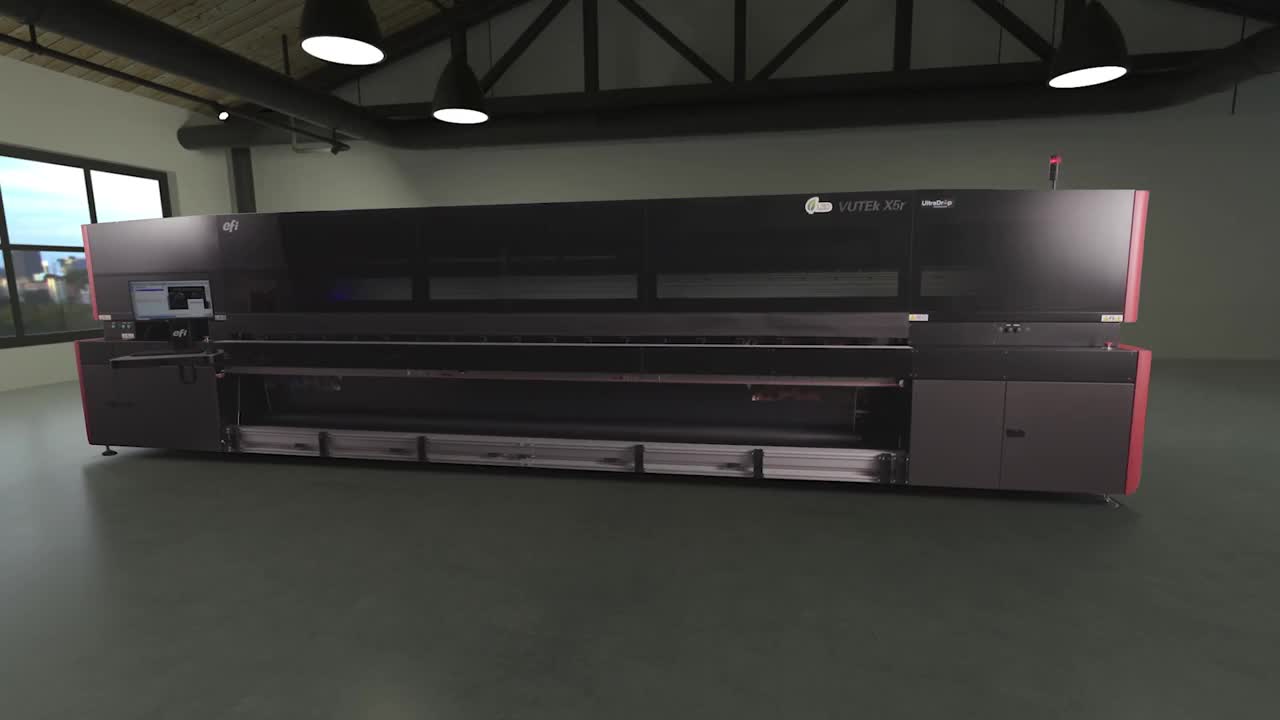
Engineered for high-volume production. Built for your success.
The EFI VUTEk Xr Series of roll-to-roll LED printers is brilliantly engineered for high-volume production and features integrated automation, software, and hardware to support nearly unattended printing, deliver a complete print-to-finished-graphic workflow system, and take image quality at production-level speeds to a new level.
EFI Roll-to-roll Power Tools to Boost Your Productivity
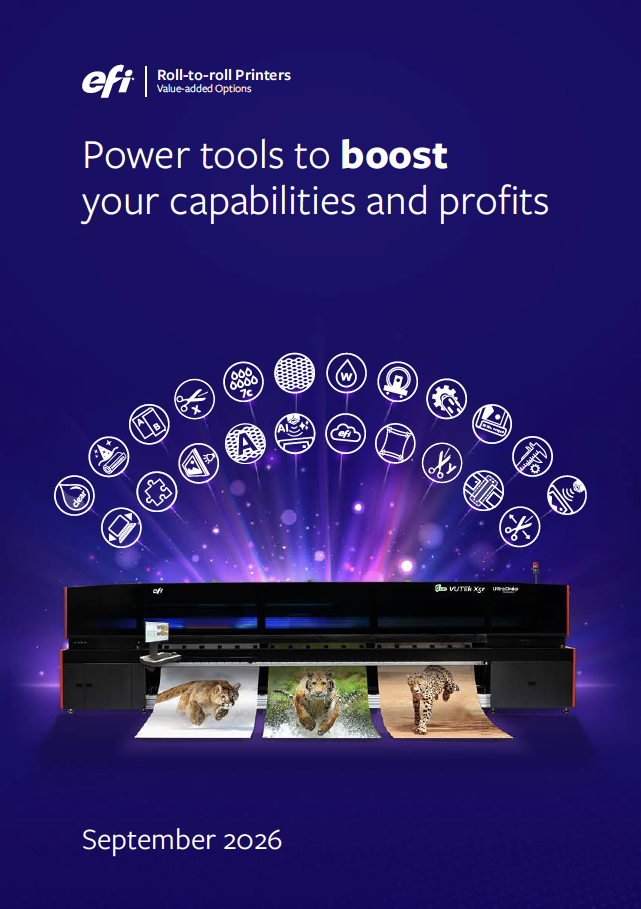
EFI superwide and wide format roll-to-roll LED printers feature a rich collection of value-added options that transform them into all-in-one, multi-purpose platforms — expanding your capabilities, application offerings, and profit opportunities
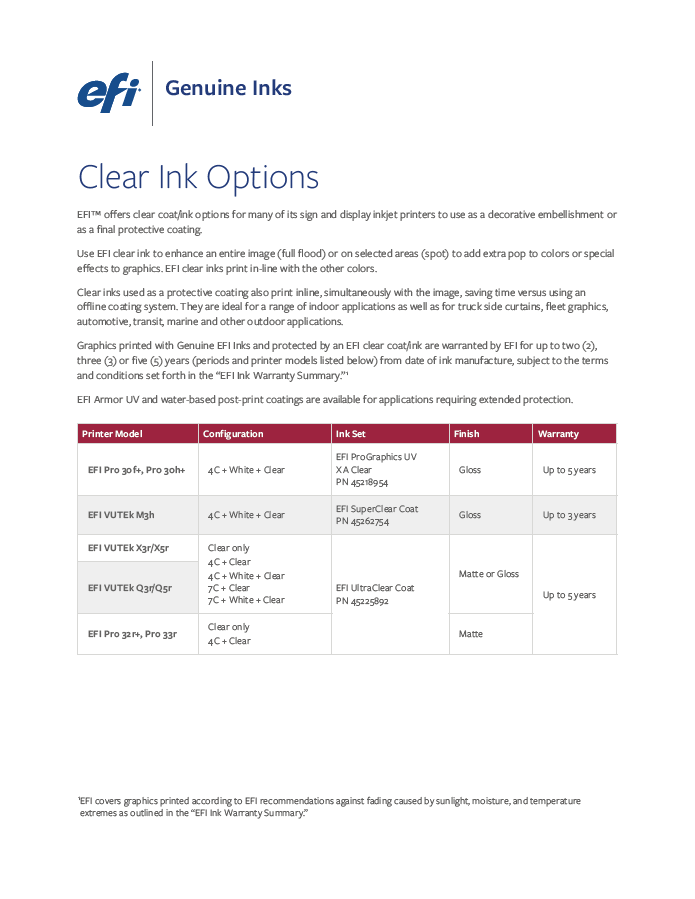
EFI Clear Ink Matrix Datasheet
Clear ink options with decorative and protective properties for EFI sign and display graphics inkjet printers.

Be ready for anything with EFI’s Enhanced Service Programme (ESP)
A comprehensive line of target response-based service agreements for EFI superwide roll-to-roll, hybrid, and soft signage printers.

Be ready for anything with EFI’s ESP Choice
Customisable service and maintenance agreement for EFI superwide and wide-format inkjet printing systems.

The Ultimate Guide for White, Clear and Multilayer Applications
This guide will help you create new ways print can be used to break through and stand out in a big way.

Genuine EFI Inks

Genuine EFI Service